NiceFocus on the content you need
Open a page in the built-in browser. Tap NiceFocus to select a region, or expand the selection to include more context.
Select the part of a webpage you care about and save a baseline. Check again to see what changed, with a clear record of before and after.
For iPhone and iPad · iOS 17 or later
Checks run in the foreground · No NiceFocus account required
Upcoming events and studio updates
Registration deadline
October 12 → October 19
Notice a change. Handle it. Share a record.
Feature illustration · Not an App Store screenshot
Open a page in the built-in browser. Tap NiceFocus to select a region, or expand the selection to include more context.
Check automatically while the app is open, or refresh manually. Keep up to 100 recent changes per watch and mark each one handled.
Share a current snapshot or an individual change. Preview and export an image, or share the complete text.
Explore the three-step introduction in NiceFocus.
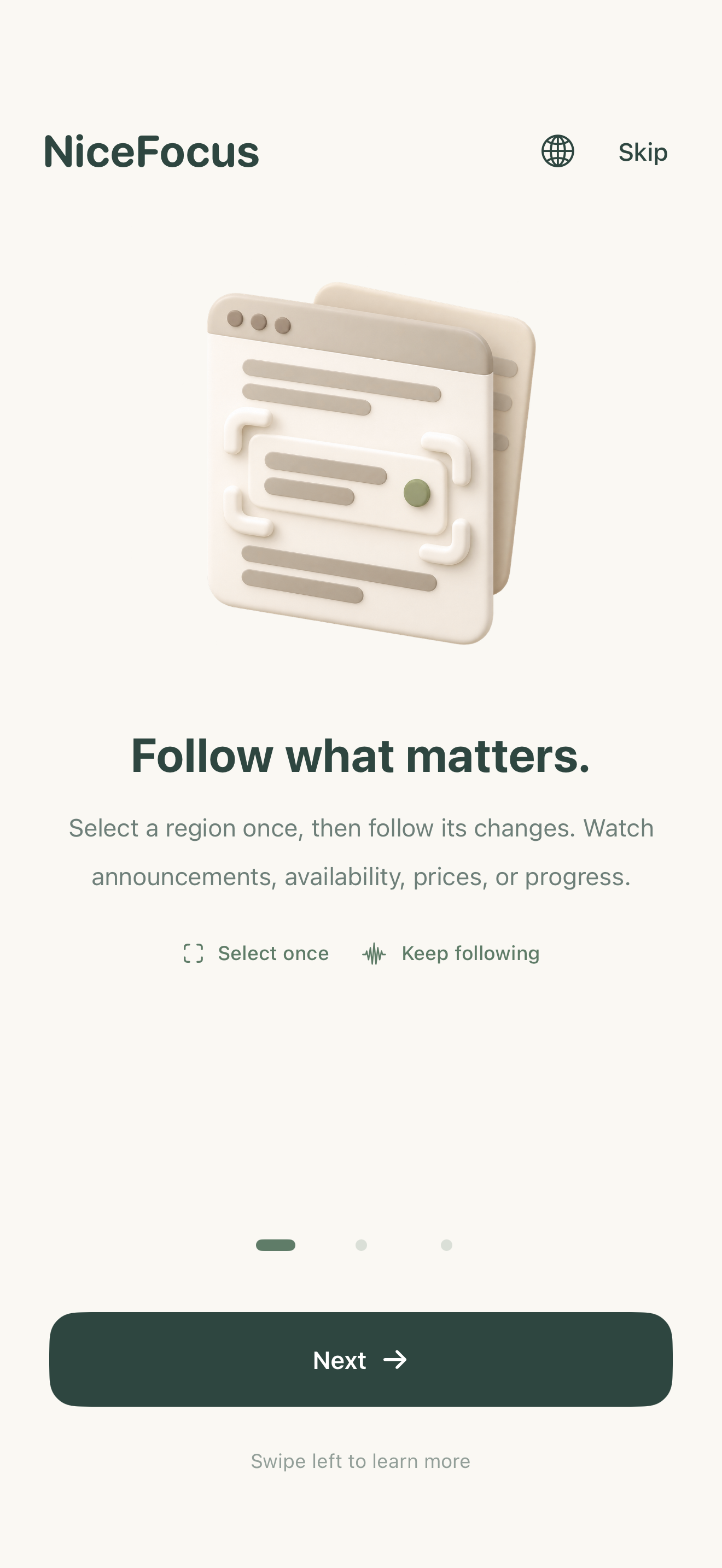
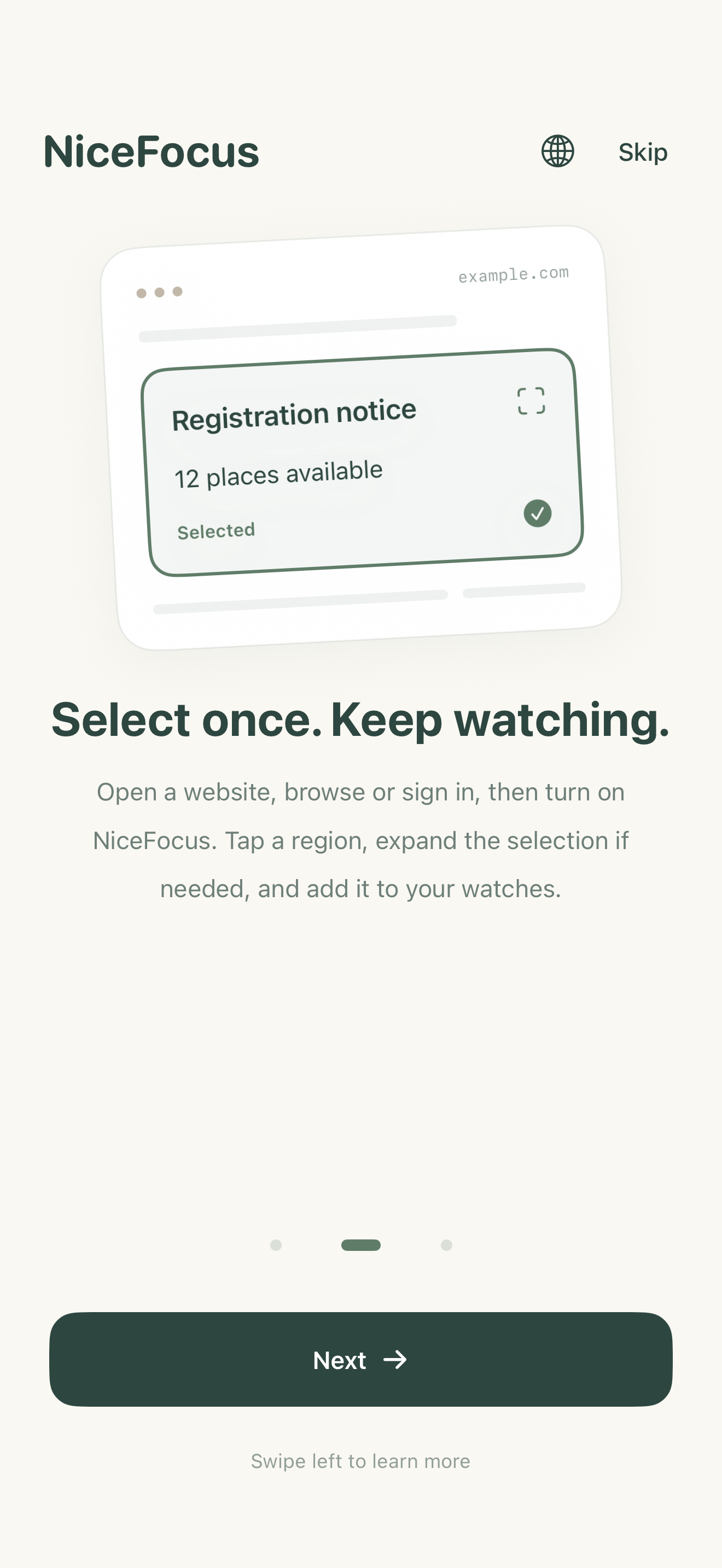
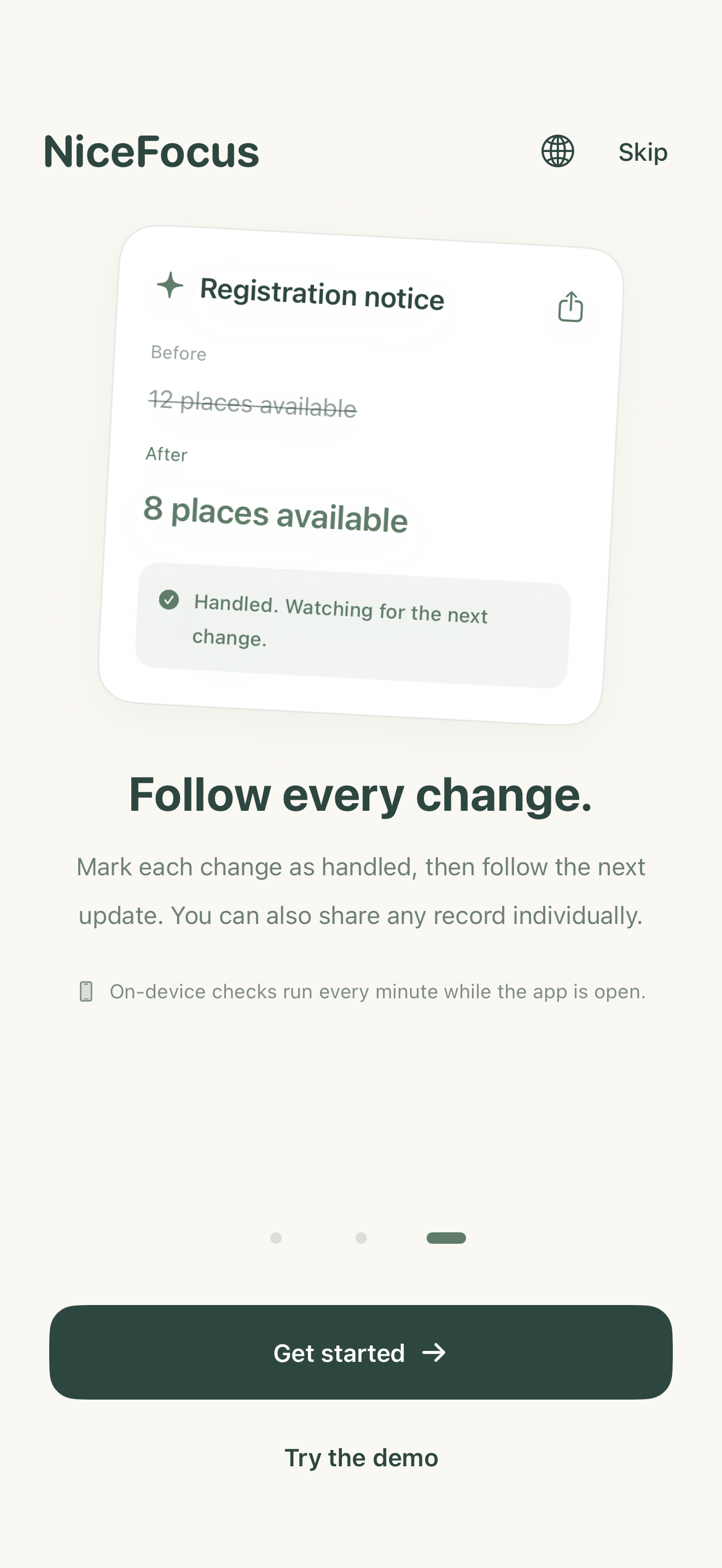
Enter a URL, browse or sign in. Website sessions stay on your device for later checks.
Turn on NiceFocus, tap a region, name your watch and save its first content baseline.
Keep the app in the foreground or tap Check Now. Review changes, mark them handled and share when needed.
This version has no developer backend, advertising or third-party analytics SDK. Watch records stay on your device. Websites handle network requests and sessions under their own policies.
Read the privacy policy ↗NiceFocus checks while the app is in the foreground. It does not provide continuous monitoring while closed. Detection primarily compares text; image-only changes, cross-origin frames, verification challenges and anti-bot restrictions may be unsupported.
For help, privacy questions or feedback, contact us by email.
support@qxtech.app ↗Include your device, OS version and reproduction steps. Please do not send passwords or sensitive webpage content.